Connect Conversation AI to your Live Chat Widget directly from site settings.
HighLevel now lets you connect Conversation AI agents directly to your site's Live Chat Widget inside AI Studio settings. Pick an agent, configure qualification tag rules, and edit bot responses without leaving the site builder. Verify chat widget settings, bot conditions, and custom values across client sub-accounts in one prompt.
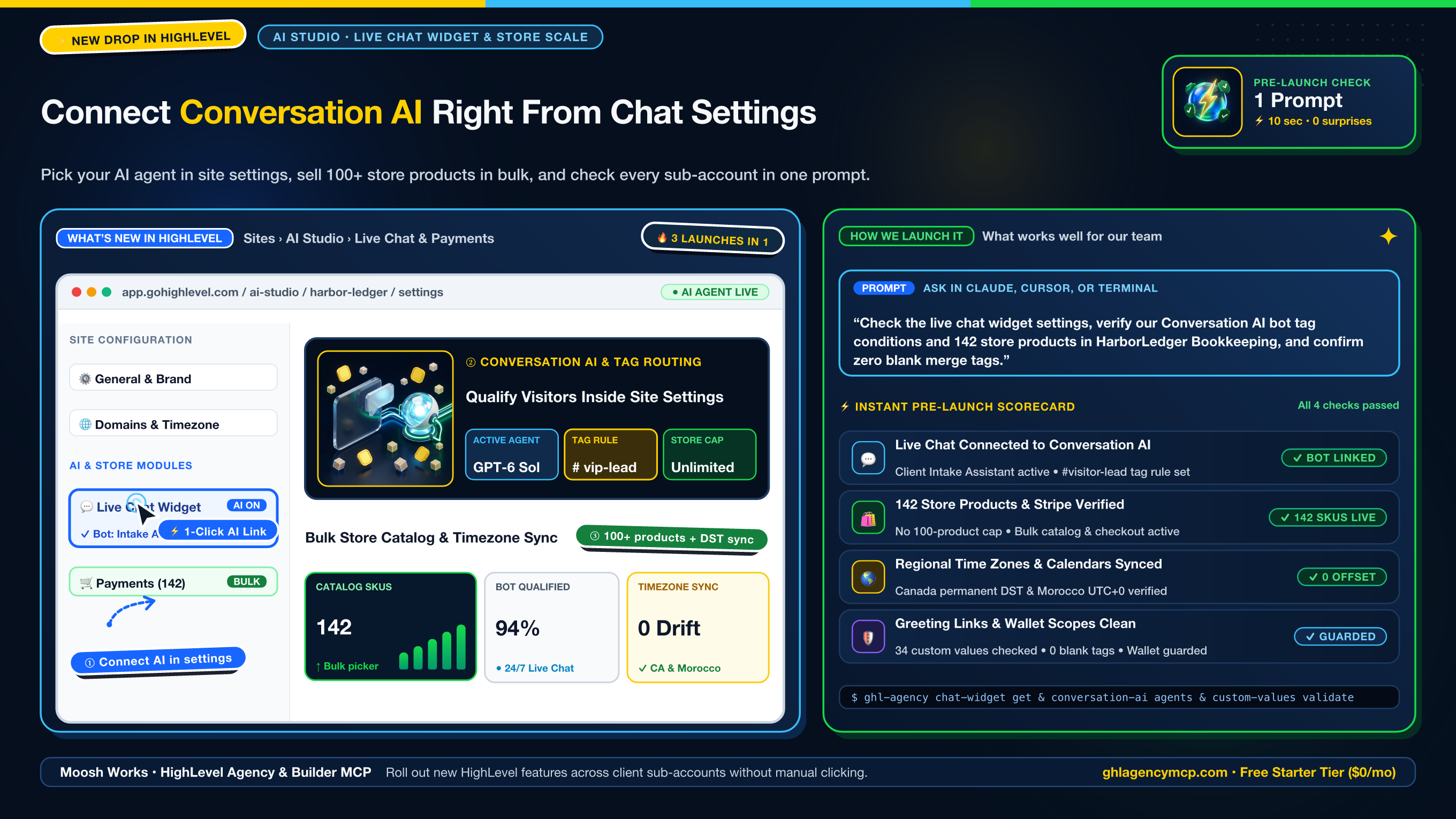
Prompt: “Check the live chat widget settings and verify active Conversation AI bot conditions in HarborLedger Bookkeeping before publishing.”
// 1. Inspect live chat widget settings and active visitor greeting
ghl_agency_chat_widget {
  "action": "get",
  "location": "ve9EPM428h8vShlRW1KT"
}

// 2. Audit active Conversation AI agents and tag qualification rules
ghl_agency_conversation_ai {
  "action": "agents",
  "location": "ve9EPM428h8vShlRW1KT"
}

// 3. Validate greeting custom values and booking link placeholders
ghl_agency_custom_values {
  "action": "validate",
  "location": "ve9EPM428h8vShlRW1KT"
}
{
"locationId": "ve9EPM428h8vShlRW1KT",
"subAccount": "HarborLedger Bookkeeping",
"chatWidget": {
"enabled": true,
"mode": "live_chat",
"conversationAiAgent": "Client Intake Assistant",
"tagConditions": ["#visitor-lead", "#intake-started"]
},
"brokenPlaceholders": 0,
"status": "live_chat_conversation_ai_verified"
}Questions & Practical Answers
How do I connect Conversation AI to my site's Live Chat Widget in HighLevel?
In AI Studio or your site builder settings, open the Live Chat Widget settings tab. Select an active Conversation AI agent, configure the qualification tag routing conditions, and customize visitor greeting messages directly from site settings without leaving the builder.
How do I audit chat widget settings and Conversation AI bot conditions across client locations?
Use ghl-agency chat-widget get --location <ID> to inspect live widget configurations, and ghl-agency conversation-ai agents --location <ID> to audit model reasoning, prompt rules, and tag conditions in one prompt.
How do I verify chat greeting merge tags and links before publishing?
Run ghl-agency custom-values validate --location <ID> to scan sub-account custom values and widget greetings, ensuring no live chat widget publishes with unresolved merge tags or broken booking URLs.
Get Full Access to HighLevel Agency & Builder MCP
Connect directly to Claude, ChatGPT, Cursor, and Grok. Includes Starter ($0/mo), Builder Pro ($29/mo or $22/mo with code PARTNER25), or 100% Free VIP via our HighLevel partner claim.